

The official FeetFinder login is at app.feetfinder.com/signin. Sign in with your email address or username and your password, and use “Forgot Password” if you’re locked out. FeetFinder has no app; it works in your browser. This is an independent guide, not FeetFinder’s site.
By Alma Martin · Seller safety guide · Updated October 2026
I put this guide together from FeetFinder’s own Terms of Service, its official login help article, and its contact and appeals pages, all checked on October 13, 2026.
I don’t have a FeetFinder account and didn’t test these steps myself. Everything below comes from FeetFinder’s published pages. When something isn’t covered there, I say so.
Key takeaways:
Official login: only app.feetfinder.com/signin. Note that www.feetfinder.com/login shows a 404 error page.
No app: FeetFinder says it works in any browser and “has no app.” Any “FeetFinder app” asking for your password is a red flag.
Same login for everyone: buyers and sellers use one portal. There’s no separate seller login.
Locked out? Use Forgot Password, check your spam folder, then email hello@feetfinder.com.
Cancel subscriptions explicitly: FeetFinder’s Terms say deleting your account “does not automatically cancel your Subscription.”
Where Is the Official FeetFinder Login?
The only official sign-in page is app.feetfinder.com/signin. Its page title is “Login or Sign Up | Access Portal.”
FeetFinder’s own help article tells users to “only sign in through the official FeetFinder domain.” Type the address yourself or bookmark it. Don’t use login links from strangers, buyers or “support” accounts.
How Do I Log In to FeetFinder?
FeetFinder’s help article describes four simple steps:
Go to app.feetfinder.com/signin.
Enter your email address or username. FeetFinder accepts either.
Type your password. Its guide warns about Caps Lock, old autofilled passwords and accidental spaces.
Select Sign In.
If your details are right but the account still won’t open, work through the fixes below.
Why Is My FeetFinder Login Not Working?
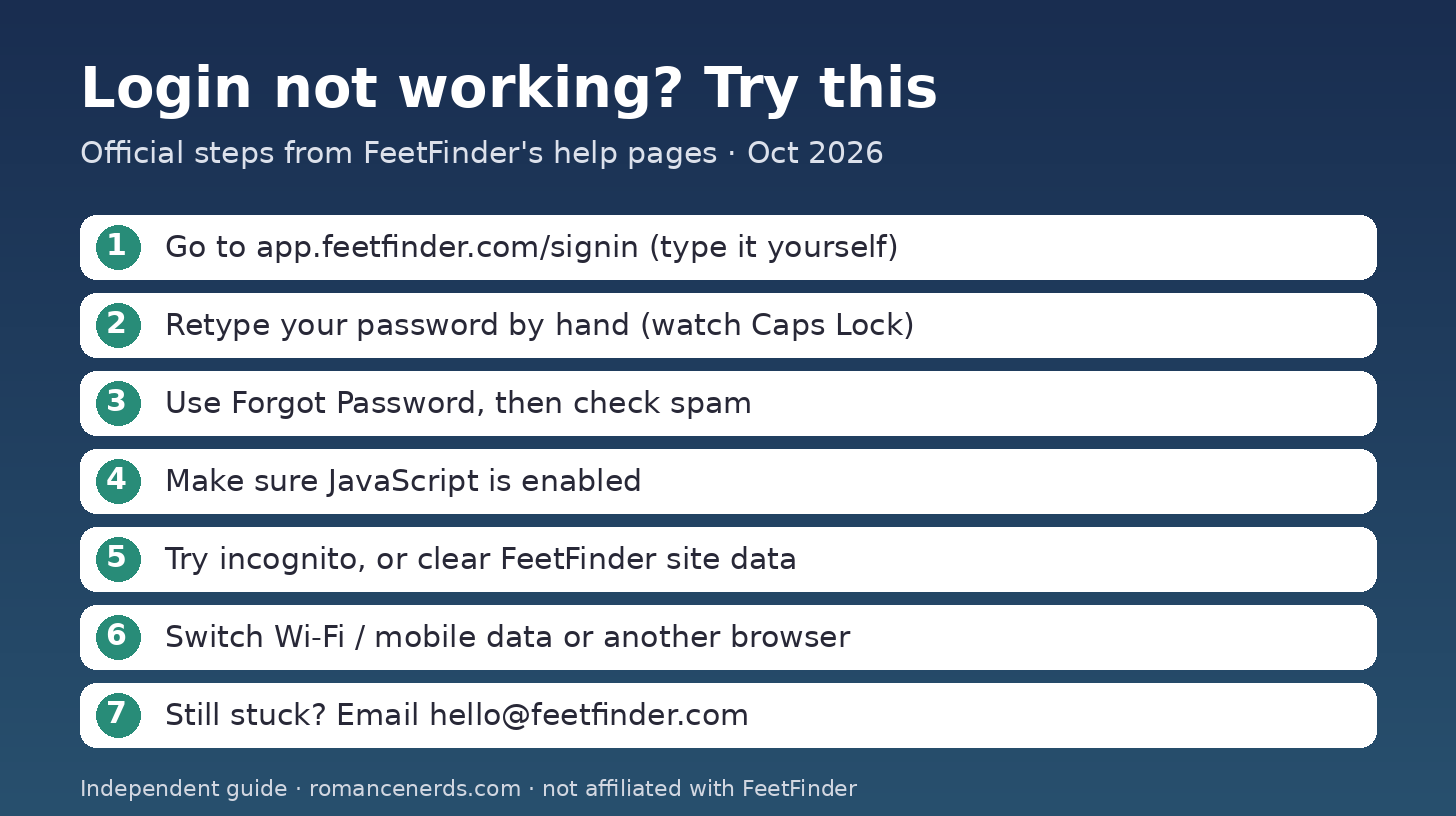
A quick checklist to work through before you contact support.
Most login problems come from the browser, the network or the account itself. FeetFinder’s guide suggests these checks, in this order:
Re-enter your password by hand instead of pasting it.
Make sure JavaScript is enabled. The login portal needs it and shows a “JavaScript is disabled” message without it.
Try a private or incognito window.
Clear cookies and cache for feetfinder.com and app.feetfinder.com only.
Try another browser, or switch between Wi-Fi and mobile data.
Look for verification or account-restriction notices in your email.
Contact support if nothing works.
What Does “Failed to Fetch” Mean on FeetFinder?
FeetFinder doesn’t explain this message on its help pages, so I can’t tell you its exact cause. In general, “failed to fetch” is a browser message that means a page couldn’t load data from a server.
The same steps above are the safe things to try: reload the page, switch networks, try incognito, clear FeetFinder’s site data, or use another browser. If it keeps happening, email support with a screenshot.
Can I Use a VPN to Get Into FeetFinder?
No, not to get around restrictions. FeetFinder’s Terms say you must not use “VPNs, proxies, false or third-party identification” to bypass geographic restrictions or age verification.
If the site is blocked by your school, workplace or local rules, follow those rules rather than working around them.
How Do I Reset My FeetFinder Password?
Use the Forgot Password link on the official sign-in page. FeetFinder’s guide lays out the process:
Select Forgot Password.
Enter the email address connected to your account.
Open the official reset email.
Create a new password.
Sign in again.
No reset email? Check your spam, junk and promotions folders, and any email filters. Make sure you typed the same email that’s on your account.
Is There a FeetFinder App?
No. FeetFinder says it “works in any web browser, including on mobile, and has no app.” There’s nothing to install.
That matters because people search the App Store for a FeetFinder app. FeetFinder advises signing in through app.feetfinder.com “rather than downloading a third-party app that claims to provide FeetFinder access.”
If you want quick access on your phone, bookmark the official sign-in page in your browser.
Is There a Separate FeetFinder Seller Login?
No. Buyers and sellers use the same portal. FeetFinder’s guide says, “There is no separate secret seller-login website.”
After you sign in, seller features depend on your account status and verification. If you’ve just joined, my guide to how much to charge for feet pics can help you plan your first prices.
Why Is My Seller Verification Still Pending?
FeetFinder requires age and identity verification for sellers. Its guide says this can include a valid government-issued ID and a selfie or biometric match where legally allowed.
If you’re stuck, its guide suggests checking that:
Your ID is valid and not expired.
Your photo of the ID is clear.
All requested fields are complete.
Your account details match your documents.
You haven’t missed an email asking for more information.
FeetFinder also warns against making a second account or using someone else’s ID to get around verification.
What If My FeetFinder Account Is Suspended?
FeetFinder’s Terms allow it to disable usernames and passwords, and to suspend or delete accounts it believes broke its rules. If the site loads but your login won’t work, this may be why.
Here’s what FeetFinder’s pages point to:
Check your registered email for account notices.
Read the Appeals Policy. Appeals go to appeals@feetfinder.com.
File within six months of the decision, as the policy requires.
Include your account’s URL or username and details of why you’re appealing.
The Appeals Policy says appeals get a human-led review. The Terms also say Buyer Payments won’t be refunded if an account is terminated for breaking the rules.
How Do I Delete My FeetFinder Account?
FeetFinder’s Terms say you “may delete your FeetFinder account at any time through your account settings.” What happens next depends on your account type:
Buyers: the account is permanently deleted “within a reasonable time” and can’t be recovered.
Sellers: the account stays active until all active buyer subscriptions expire. Then FeetFinder pays out any unpaid earnings and deletes the account.
FeetFinder says it gives “a reasonable opportunity to export your Content” before closure where it’s technically possible. Save anything you want first.
How Do I Cancel a FeetFinder Subscription?
Cancel it directly. Don’t assume deleting your account will do it. FeetFinder’s Terms are clear: “Deleting your FeetFinder account or withdrawing a payment method does not automatically cancel your Subscription; you must do so explicitly.”
Here’s what the Terms say about subscriptions:
They renew automatically at the current rate until you cancel.
You won’t be charged for a renewal if you’ve turned off auto-renewal in your account settings.
After you cancel, you keep access until the end of the current period.
Payments, including subscriptions and tips, are generally non-refundable, except where the law requires otherwise.
Charges appear on card statements as SEGPAY.COM*FeetFinder, according to FeetFinder’s site footer.
Can I Change My FeetFinder Email or Username?
For email, FeetFinder says to use your account settings if an email-change option is there, and to contact support if you can’t change it yourself. Its guide also says not to create a new account just because your email changed.
I couldn’t find an official page explaining how to change a username. Email hello@feetfinder.com and ask before making a new account.
How Can I Spot FeetFinder Login Scams?
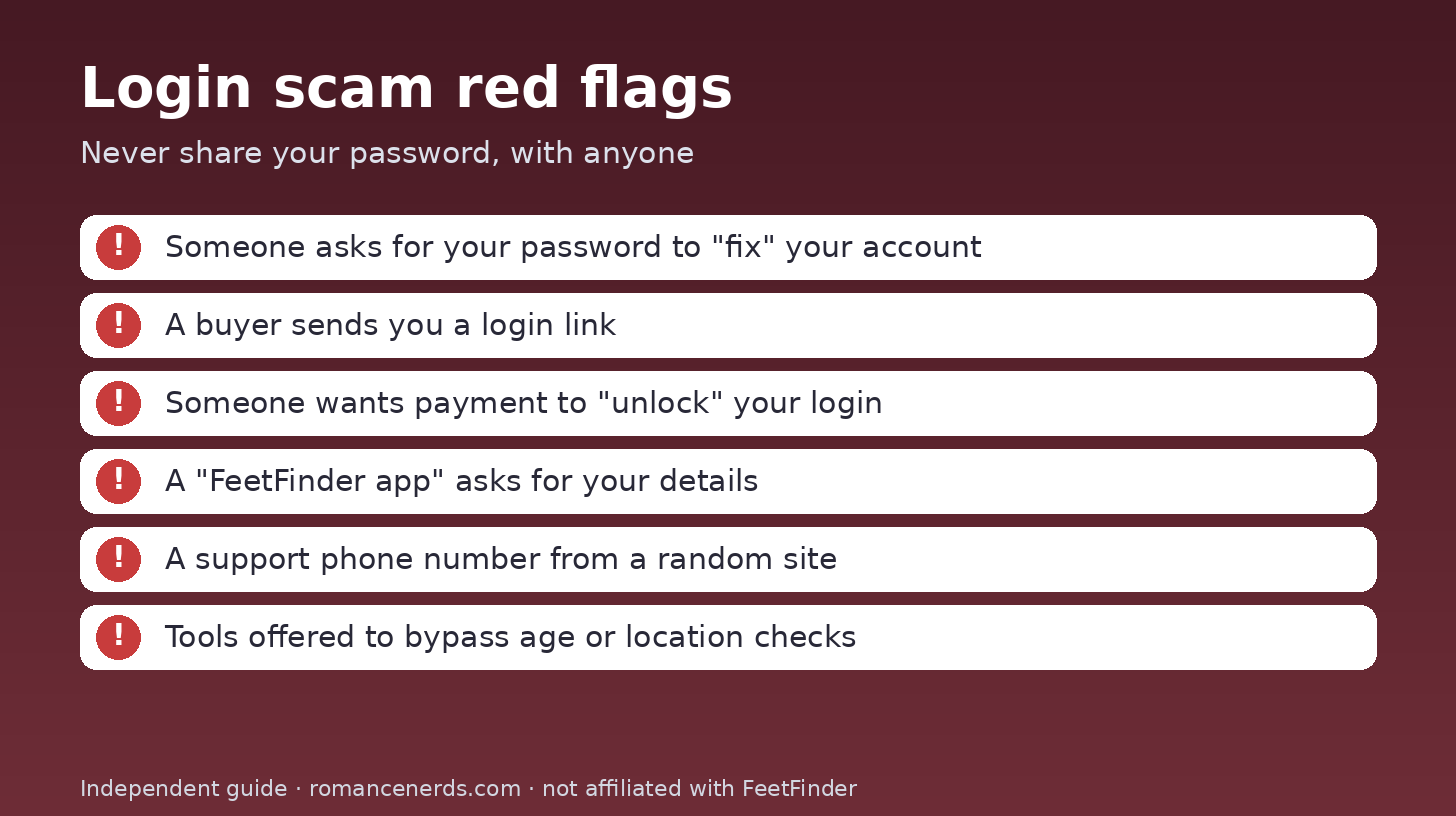
Login scam red flags to watch for.
The biggest risk isn’t forgetting your password. It’s handing it to the wrong person. FeetFinder’s guide lists these as things not to do:
Share your password with someone offering to “fix” your account.
Use a login link a buyer sent you.
Pay someone to “unlock” your FeetFinder login.
Use tools to get around age or location restrictions.
Create several duplicate accounts.
FeetFinder’s Terms also require you to keep your login private and to tell FeetFinder right away about any unauthorized access. FeetFinder has its own guide to avoiding scams too.
If you’re comparing platforms because of scam worries, I’ve covered Feetify, FeetFinder vs FunWithFeet and whether FootLove is legit.
How Do I Contact FeetFinder Support?
Email hello@feetfinder.com or use the form on its contact page. The contact page says “24/7 Support Available.”
FeetFinder’s guide says it doesn’t list a customer service phone number, so be wary of numbers on other websites. When you write in, include:
Your username and account email.
The exact error message.
When the problem started.
Your browser and device.
A screenshot, if it helps.
Never send your password.
FeetFinder Login FAQ
What is the official FeetFinder login page?
It’s app.feetfinder.com/signin. You can sign in with your email address or username plus your password.
Can I log in to FeetFinder with my username?
Yes. FeetFinder’s sign-in page accepts either an email address or a username.
Is there a FeetFinder app for iPhone or Android?
No. FeetFinder says it works in any browser and has no app. Be careful with third-party apps that claim to give FeetFinder access.
Is there a separate FeetFinder login for the UK or Australia?
No. FeetFinder’s guide says you don’t need a separate UK or Australia login. Use the normal portal and follow any local verification steps shown to your account.
Why isn’t my FeetFinder password reset email arriving?
Check spam, junk and promotions folders, and make sure you entered the exact email on your account. If it still doesn’t arrive, email hello@feetfinder.com.
Does deleting my account cancel my subscriptions?
Don’t rely on it. FeetFinder’s Terms say deleting your account doesn’t automatically cancel a subscription, so cancel it explicitly first.
Does FeetFinder have a phone number for support?
FeetFinder says it doesn’t list a public customer service phone number. Use hello@feetfinder.com or the official contact form.
The Bottom Line
Sign in only at app.feetfinder.com/signin, with your email or username. Use Forgot Password if you’re locked out, and email hello@feetfinder.com if that fails.
There’s no FeetFinder app and no separate seller login. Cancel subscriptions explicitly before you delete an account. And never give your password to anyone who promises to “fix” your login.